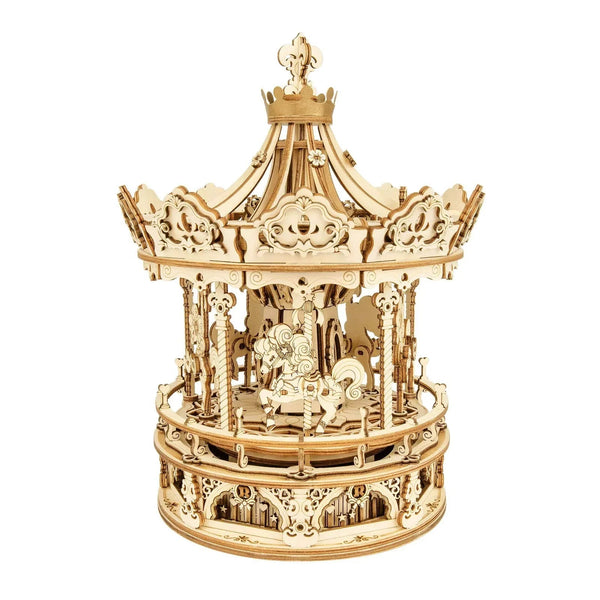
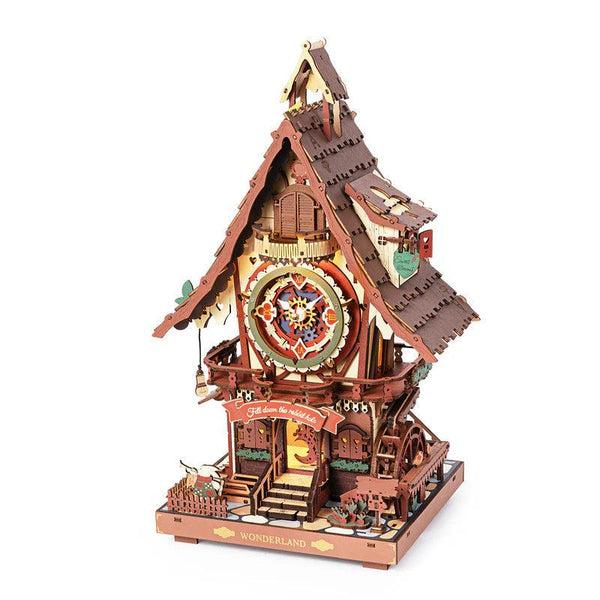
Choose the project.
Verify the function.
Start with the kind of finished build you want, then verify what its exact product page says about movement, power, included components, tools, assembly, and the option you are selecting. A title or image can guide the first click; it should not fill in missing specifications.
Marble motion or a wind-up display?
These current examples offer different finished experiences. The notes below use only details stated on each exact product page; they are not collection-wide promises.

Sweet Factory Marble Run - 3D Wooden Puzzle
The current listing identifies a 3D wooden marble-run puzzle. Its description says a hand crank activates the marble lift and sends the included run through slopes, tunnels, and curves. Check the live page for current contents, assembly details, price, and availability.
Shop this build →
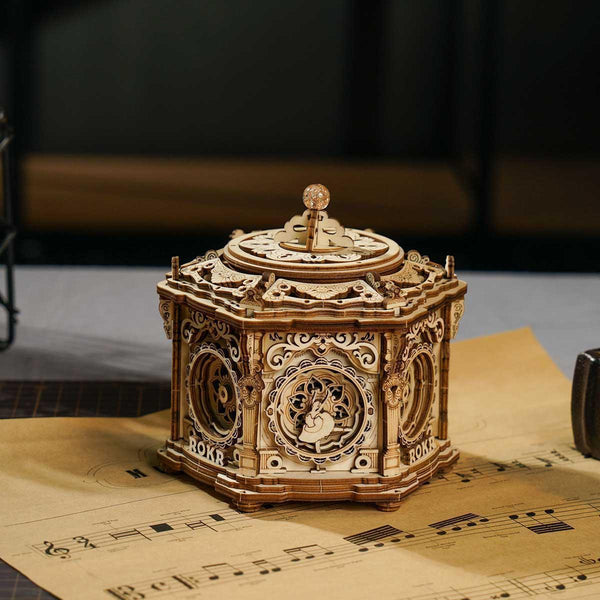
Mystical Clockwork Garden
The current listing describes an assembly project with a traditional wind-up mechanism, melody, and moving ballerinas. It currently has one default variant. Review the exact page for its stated contents and requirements before ordering.
Shop this build →1. Choose the finished project before comparing details
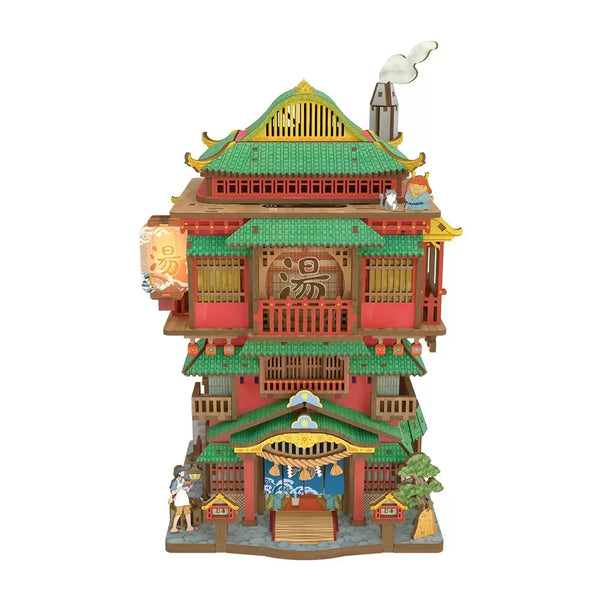
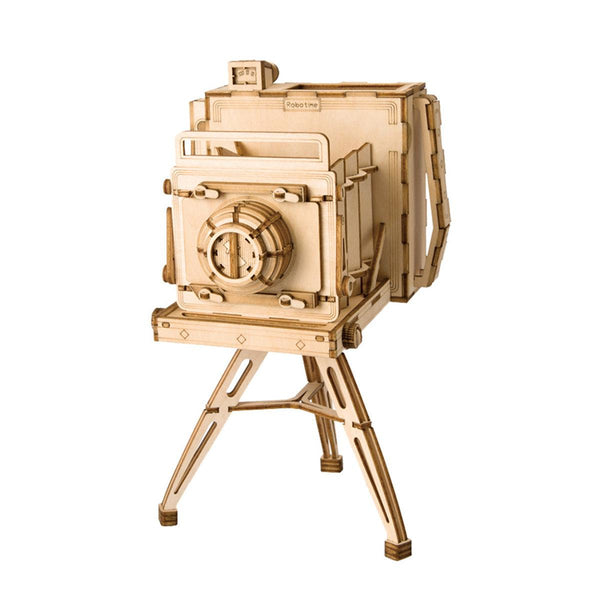
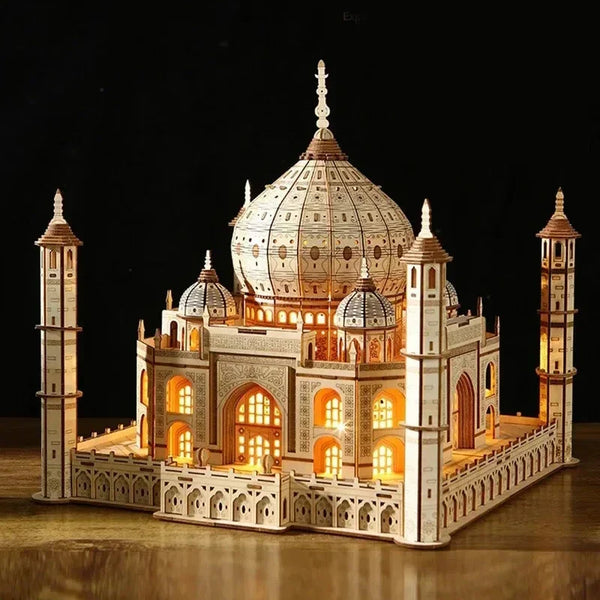
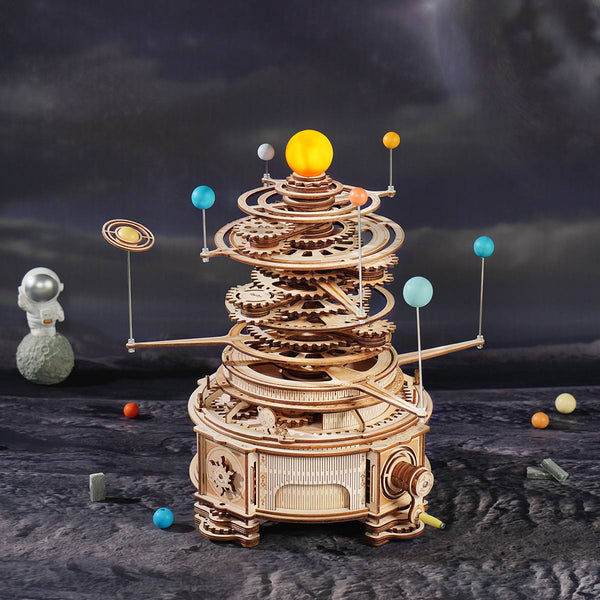
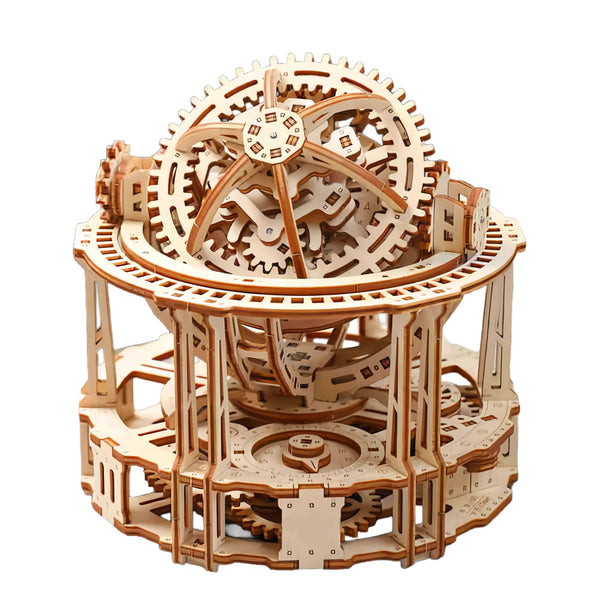
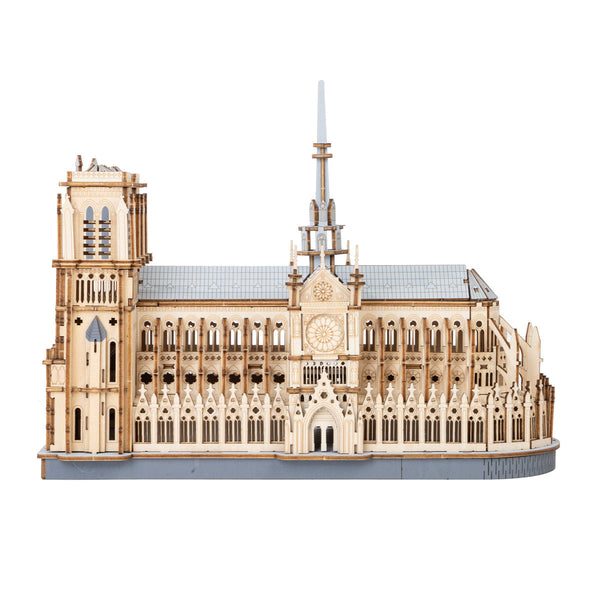
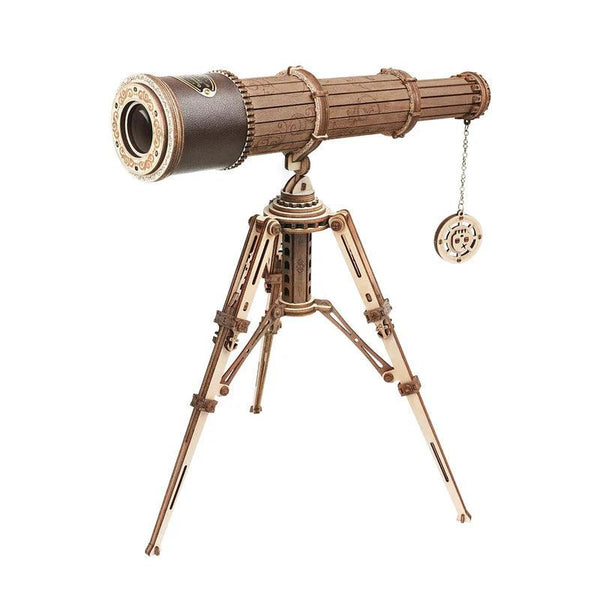
A broad search for a 3D wooden puzzle can lead to models with very different finished purposes. Some listings identify a marble run, clock kit, music box, architectural scene, or another display format. Start by choosing the result you actually want to assemble and keep.
Use the 3D Wooden Puzzles & Model Kits collection to compare current titles and galleries. Treat each title as a route to investigate, not proof that every visible function is included or operational.
2. Separate the design from the verified function
Words such as mechanical, clock, marble run, music box, or light can describe a product theme, its mechanism, or a feature. The exact product description needs to confirm what the assembled model does. Do not transfer a function from a similar-looking kit or assume a styled image proves movement, sound, light, or timekeeping.
Look for a plain explanation of how the function starts and what powers it. A hand crank, wind-up mechanism, battery compartment, or decorative gear system creates a different setup. If the page does not say how a visible feature works, treat it as unconfirmed and ask customer support before ordering.
3. Check what the build requires
There is no safe universal setup rule for every wooden model kit. Read the exact listing and selected option for each of the following details:
- how any movement, sound, light, or timekeeping function is powered;
- whether glue, tools, batteries, or another supply is stated as required;
- which components and instructions are explicitly listed as included;
- whether the page identifies any setup after assembly;
- which product and option name will appear in the cart.
Anything not stated on that product page remains unconfirmed. A collection page is useful for browsing, but it does not replace the exact listing.
4. Do not use piece count as a difficulty shortcut
A larger count does not automatically prove that one project is harder, and a smaller count does not guarantee a quick build. Connection style, alignment, moving parts, instructions, and the builder's experience can all affect the process.
Use difficulty, build-time, or age guidance only when the exact current page states it clearly. This guide is written for adults shopping for themselves or another adult; that does not establish a manufacturer age rating or safety classification for every product in the collection.
5. Plan for the finished model and its operating space
Check verified finished dimensions when they are available, then compare them with your own surface. A model with a crank, moving parts, opening panels, or a ball path may need more clearance than its base footprint suggests.
If dimensions or operating clearance are missing, do not call the model compact or assume it will fit a shelf. Ask for the missing detail or choose a listing that states what you need to know.
6. Match the gallery to the selected option
Open the product page, select the intended option, and check whether the gallery and product details change. Similar variants can differ in color, format, material presentation, or another visible feature. The selected option name should also match the cart line before checkout.
Styled backgrounds, plants, furniture, and other props should be treated as presentation unless the exact description lists them as included. The safest comparison uses the current option label, current gallery, and current written contents together.
Want engines, metal models, or mixed mechanisms?
This guide is limited to the wooden-puzzle and wooden-model route. If the mechanism matters more than the material, browse mechanical model kits and moving builds as a separate comparison path.
The final five-point check
- Choose the finished project type you want.
- Verify the stated function on the exact product page.
- Check power, tools, included parts, and instructions.
- Confirm the selected option and its corresponding images.
- Recheck current price, availability, and the cart line before checkout.
This keeps the decision tied to current product evidence instead of a generic claim about every 3D wooden puzzle.
FAQ
Do all 3D wooden puzzles move after assembly?
No collection-wide movement claim is confirmed. Read the exact product description to learn whether movement is stated, how it starts, and what powers it.
Are all 3D wooden puzzles suitable for adults?
This guide addresses adult shopping intent, but it does not create an age or safety rating. Use only age and safety guidance stated on the exact current product page.
Do wooden model kits always include tools or glue?
No universal inclusion is confirmed. Check the exact listing for included components and required supplies, and contact support if a requirement is not stated.
How can I compare difficulty between kits?
Use difficulty or build-time information only when the exact listing states it. Piece count alone does not prove that one build is easier or harder than another.
What should I confirm before adding a kit to the cart?
Confirm the product type, stated function, requirements, included parts, selected option, current images, price, and availability on that exact page.
Choose from the current wooden builds.
Compare live titles, galleries, selected options, price, availability, and explicitly listed product details before ordering.
Browse 3D wooden puzzles →Product details and availability can change. Review the current product page before ordering.