Choose the palette.
Then check the option.
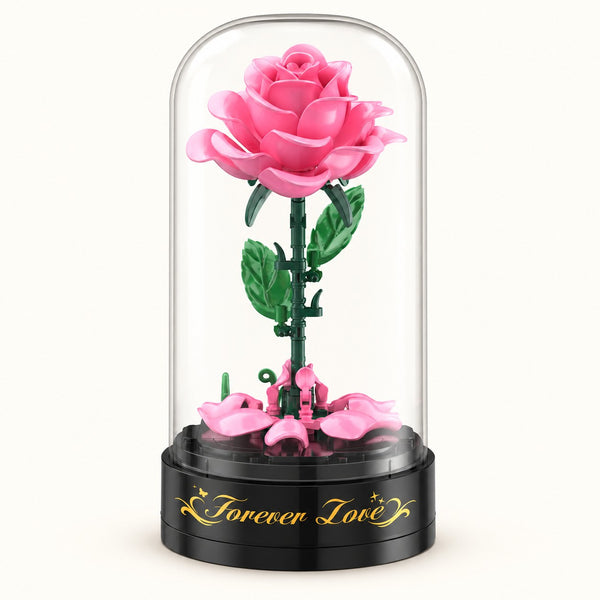
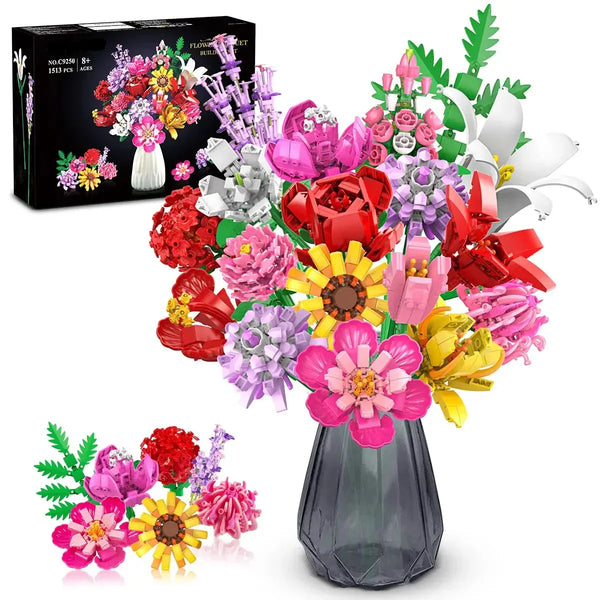
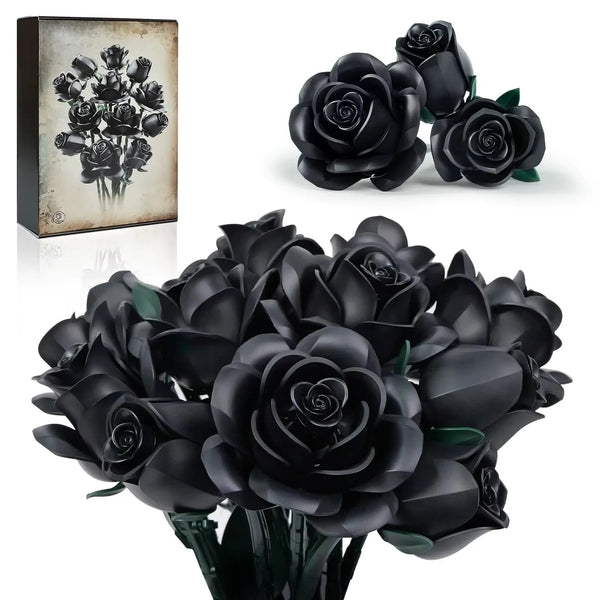
Choose a building-block flower design by the color and flower format shown on its current product page. A varied group of named flower options gives you a different route from a single blue-rose bouquet, so decide whether the flower choice or the overall palette matters most before ordering.
Named flower choices or one blue palette?
The two current examples below offer different ways to choose. One listing uses named flower variants; the other is a blue rose bouquet with one default variant. Current price and availability remain on each product page.
Compare the choice shown on the listing
These notes use only the current titles, variant labels, and public gallery. They do not assume that similarly named products share the same contents or specifications.

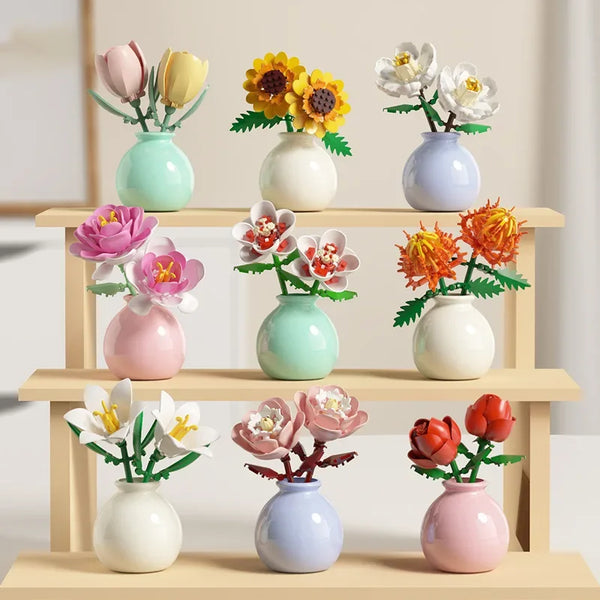
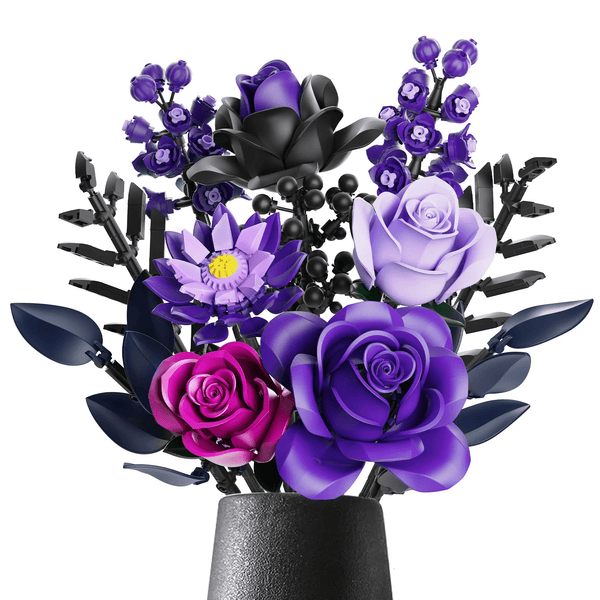
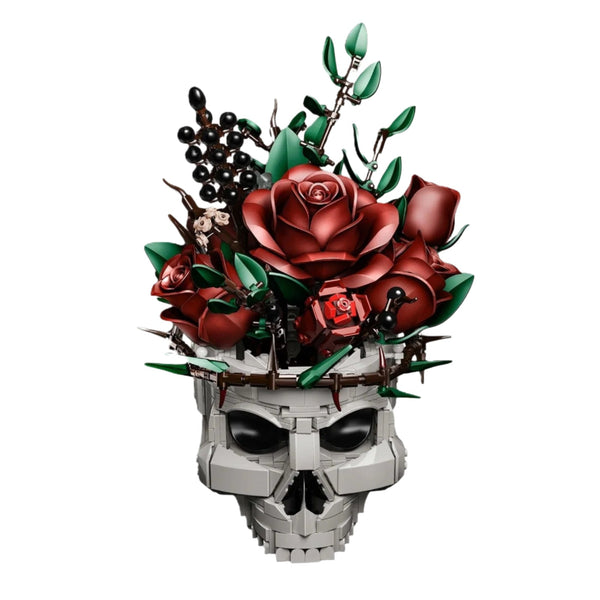
Building Block Flowers - Brick Bouquet with Vase
The current Choice menu lists Tulip, Sunflower, Peony, Rose Flower, Hibiscus, Rose, Thorny Marigold, Lilies, and Gardenia. Select the exact flower name, then confirm that the product image and cart line match that choice.
Shop this build →
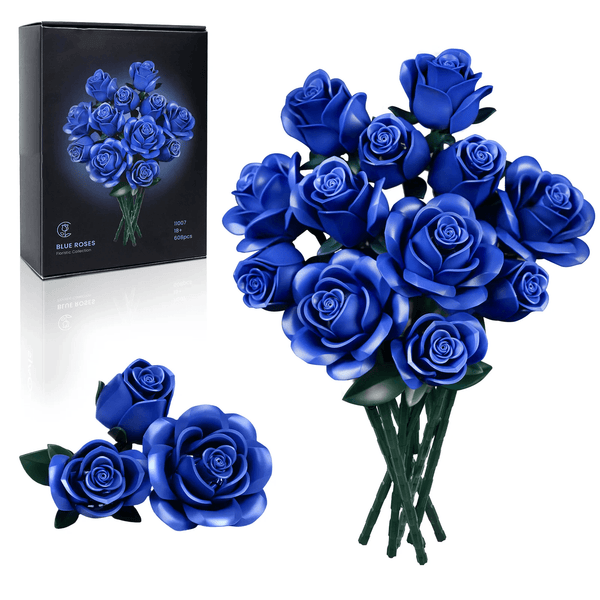
Eternal Blue Rose Bouquet Building Blocks Set
The current title identifies a blue rose bouquet building-block set, and the product currently has one default variant. Use the live gallery to inspect the visible blue palette and arrangement before ordering.
Shop this build →1. Decide whether you want one palette or a flower choice
Start with the decision the product page actually lets you make. A listing with named flower variants lets you choose between flower designs. A listing with one default variant does not offer that same selection, even when other colors or related products exist elsewhere in the collection.
If you already want a blue rose arrangement, the single blue listing is the direct route. If you would rather compare named blooms, start with the product whose current Choice menu lists nine flower names. This keeps the decision tied to a real option instead of an image that may represent only one version.
2. Read color and flower labels literally
Use a product title or variant label as an identifier, not as a promise about materials, shade matching, symbolism, or included components. Words such as blue, rose, tulip, sunflower, or gardenia tell you which current listing or option you are viewing. They do not prove that two products use the same parts, scale, finish, or assembly process.
Variant names can also be more specific than a collection card. Open the product page, choose the variant, and look for a corresponding image. Before checkout, confirm that the selected name is repeated in the cart. If the image and option label do not appear to match, ask customer support before ordering.
3. Compare visible design, not color symbolism
Color meanings change by person, room, culture, and occasion, so this guide does not assign a guaranteed mood or message to any palette. Compare what you can see instead: the dominant color, the number of different visible flower forms, the shape of the arrangement, and the way the current images present it from different angles.
Check the gallery at a useful screen size and look beyond the first image. A close view can help you inspect individual flower forms, while a wider view can show the overall arrangement. Treat styled backgrounds and props as presentation unless the product description explicitly lists them as included.
4. Keep each listing's details separate
Two flower-building products can look related while offering different options and listed contents. Never transfer a component, count, dimension, build time, lighting detail, or included accessory from one page to another. Read the exact page for the selected product and variant.
The same rule applies to collection browsing. The Building Block Flowers collection helps you compare current titles and images, but the final source for a choice is the individual product page. Check its selected option, current price, current availability, and explicitly listed details before adding it to the cart.
5. Build a two-item shortlist
A useful shortlist does not need every flower set in the store. Choose two listings that solve the same visual decision: for example, a named flower option and a blue bouquet palette. Open both pages in separate tabs, select any required variant, and compare their current galleries under the same questions.
- Does the listing offer a flower choice or only one default variant?
- Does the selected option name match the image you are evaluating?
- Is the dominant color or flower form the one you want to display?
- Which contents and requirements are explicitly stated on that exact page?
- Are the current price and availability suitable when you are ready to order?
If a detail matters but is not stated, treat it as unconfirmed. That is safer than using a similar product's description to fill the gap.
The final color-and-option check
Before checkout, read the cart line one more time. The product title and selected variant should match the page and gallery you chose. Return to the listing if the cart shows a different flower name or if an important detail remains unclear.
This simple check is the most reliable way to choose between a varied flower menu and a fixed blue-rose palette without turning visual cues into unsupported product promises.
FAQ
Which flower choices are currently listed for the brick bouquet product?
Its current Choice menu lists Tulip, Sunflower, Peony, Rose Flower, Hibiscus, Rose, Thorny Marigold, Lilies, and Gardenia. Check the live product page because options can change.
Can I select another color on the blue rose bouquet page?
The current blue rose bouquet product has one default variant. Do not assume another color is selectable on that page; browse the collection or check another exact listing instead.
Do all building-block flower sets have the same contents or specifications?
No collection-wide specification is confirmed. Read the exact product page and selected option for current contents and details, and treat anything not stated there as unconfirmed.
How should I compare flower-block colors online?
Compare the current gallery, dominant palette, visible flower forms, and selected option label. Styled props should not be treated as included unless the exact product description says they are.
Choose from the current flower builds.
Compare live images, selected options, price, availability, and explicitly listed product details before ordering.
Browse building-block flowers →Product details and availability can change. Review the current product page before ordering.