Book Nook vs Miniature House Kit: Which Display Fits?

Tiny Worlds chooser

Choose the format.
Then choose the scene.

A book nook and a miniature house can both turn unused shelf or display space into a scene you build. The useful first decision is the format: where it will sit, how it will be viewed, and which current product details you need to confirm before ordering.

Quick distinction

Between books or open display?

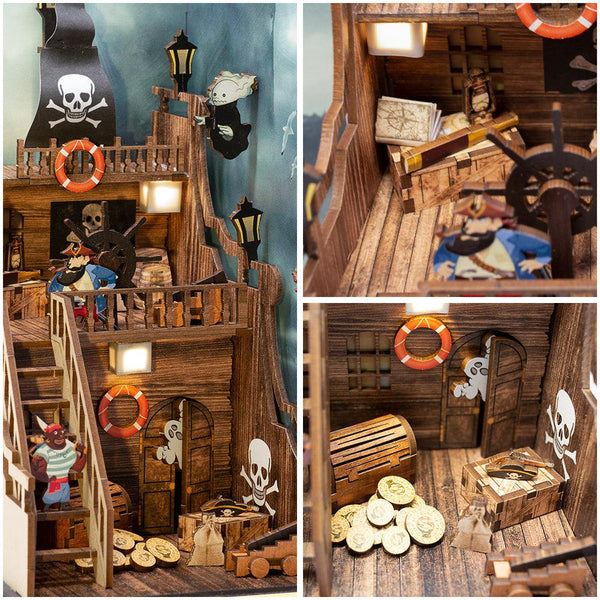
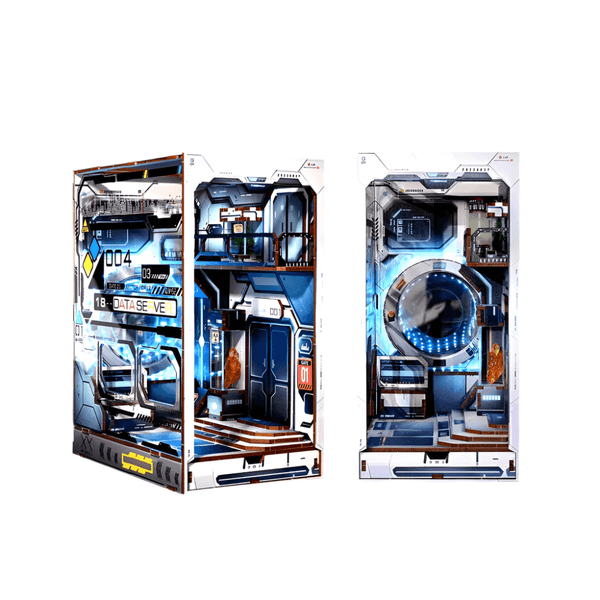
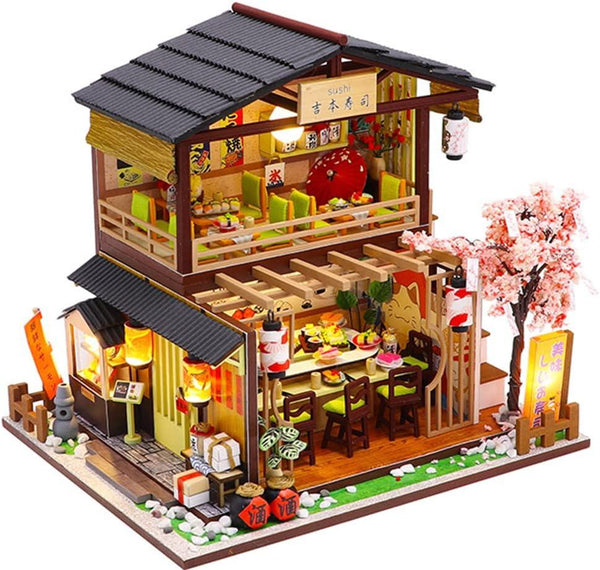
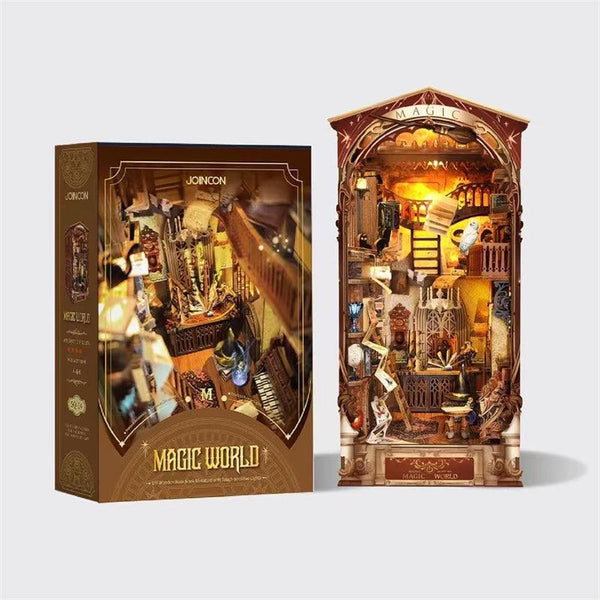
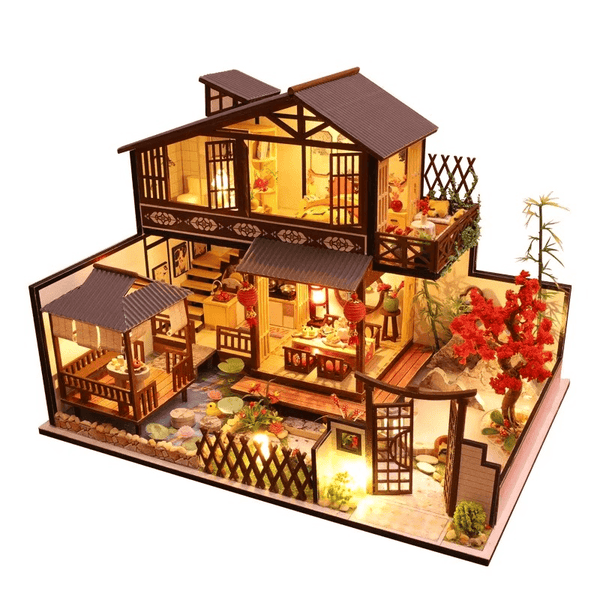
For this guide, a book nook is a narrow, front-facing shelf-insert scene. A miniature house is a more open display format. Exact shapes and requirements vary, so use the current listing—not the category name alone—for the final decision.

Current miniature example

One listing with a clear display brief

This example uses only details stated in the current product description. Price and availability remain live on the product page.

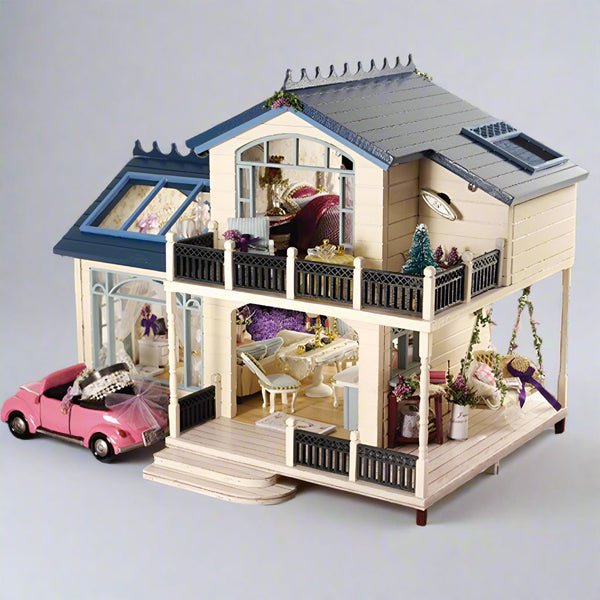
PROVENCE LAVENDER Dollhouse Miniature — Gearfinch
01Miniature house format

PROVENCE LAVENDER Dollhouse Miniature

Listed at 1:24 scale with a finished size of 32 × 24 × 22 cm. Its current description also lists a protective dust cover, music box, and colored step-by-step English instructions. Compare those listed details with your available display area before ordering.

Shop this build

1. Start with the finished display format

Choose the place before choosing the theme. If the scene will sit between books, look for a front-facing form that can use that narrow opening. If it will sit on a desk, cabinet, or open shelf, a miniature-house format can make sense when the available surface and viewing space support it.

These are decision categories, not universal specifications. A product title may say book nook, dollhouse, miniature house, villa, or room scene while its actual form differs. Use the current product images and description to confirm what the finished display is intended to look like.

2. Measure the space you already have

Record the available width, depth, and height of the exact shelf or surface. Include nearby book spines, shelf lips, doors, cables, and anything else that reduces usable clearance.

Keep those three measurements beside you while browsing. When a product page lists finished dimensions, compare every number with your available space. If a dimension you need is not stated, do not assume the scene will fit; ask customer support before ordering.

3. Decide how the scene should be viewed

A shelf insert is normally approached from the front, so its front view carries most of the visual work. A more open miniature may be visible from the front and sides. Product images can help you decide which faces of the model are intended for display.

Match that viewing direction to your room. A side detail has little value if the finished piece will sit tightly between books, while a deep open scene may need more clear space around it than the main image suggests.

4. Read each listing literally

Before buying, separate what the listing explicitly states from what a styled image appears to show. Check whether the current description identifies instructions, a cover, lighting, sound, power needs, tools, adhesive, or other included components. Treat anything not stated as unconfirmed.

Do the same for variants. Read the selected option name, then compare its images with the main image. A collection image may represent one style while the product page offers several choices.

5. Let the theme break the tie

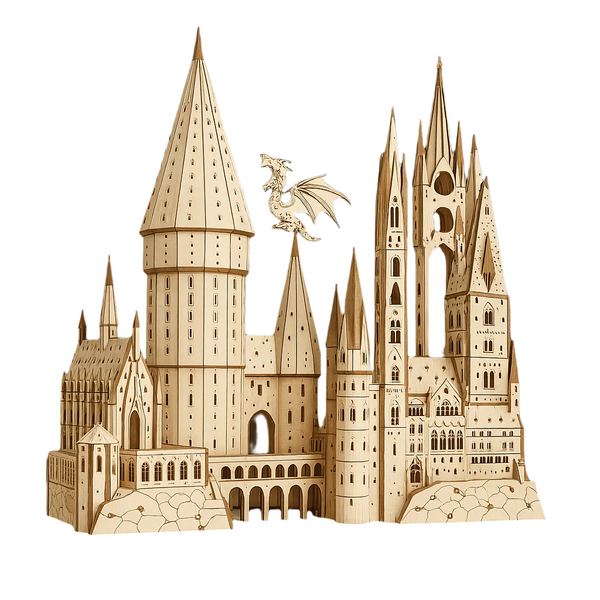
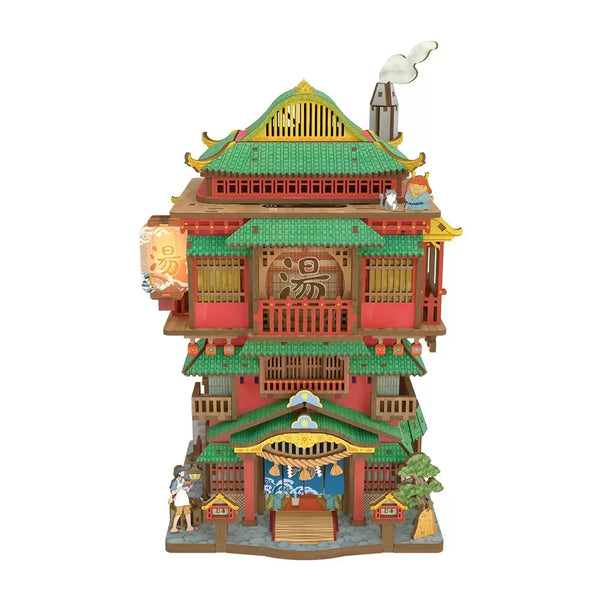
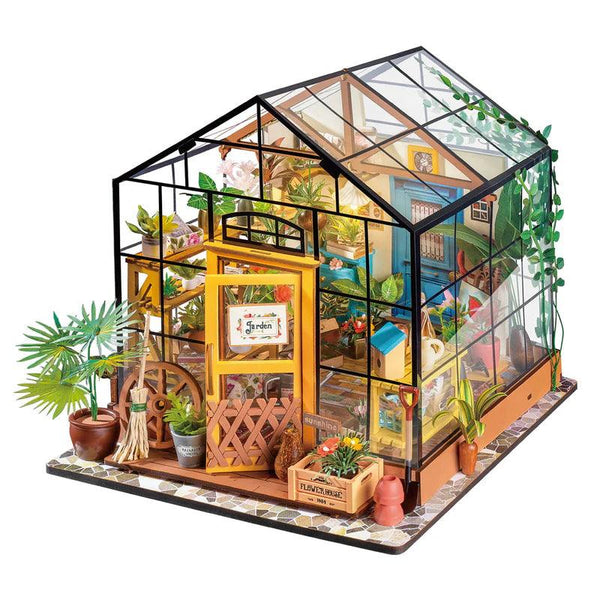
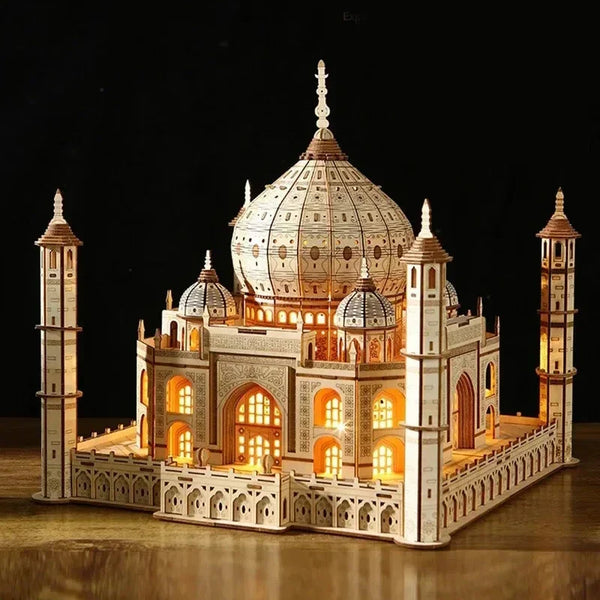
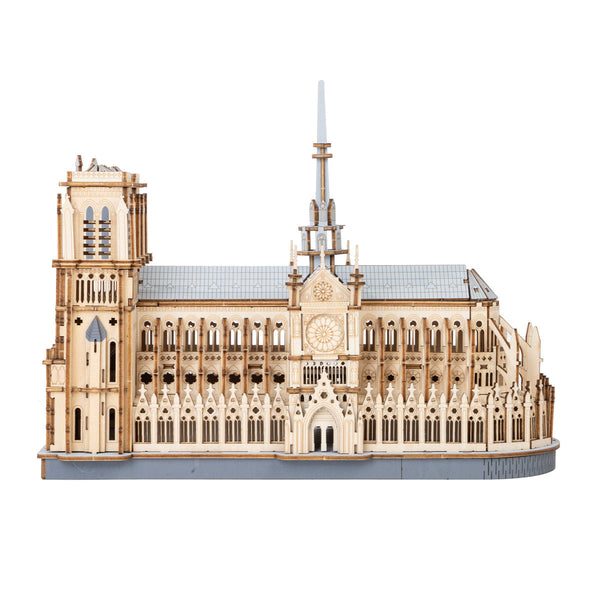
Once the format and space work, choose the scene you want to keep looking at. The current Tiny Worlds collection includes book-nook, miniature-house, dollhouse, garden, architectural, and room-scene titles. Use those exact titles and images to narrow the visual direction without assuming that similarly themed products share the same contents or requirements.

A strong shortlist is small: two or three scenes that fit the same location and display format. Compare their current options, price, availability, and explicitly listed details before deciding.

The final Tiny Worlds checklist

  • Where will the finished scene sit?
  • What width, depth, and height are actually available?
  • Will the scene be viewed mainly from the front or from several sides?
  • Does the selected option match the images you are comparing?
  • Which components and instructions are explicitly listed?
  • Are any power, tool, adhesive, or cover requirements stated?
  • Is a detail important to you but missing from the current description?
  • Have you checked the current price and availability for the selected option?

If one important answer is missing, pause and ask before ordering. The goal is a scene that fits both the display space and the setup you are comfortable with.

FAQ

What is the difference between a book nook and a miniature house kit?

For this guide, a book nook is a narrow, front-facing scene intended for a shelf gap, while a miniature house is a more open display format. Exact form and dimensions vary by product, so confirm them on the current listing.

How do I know whether a book nook will fit my shelf?

Measure the available shelf width, depth, and height, then compare all three with the finished dimensions stated on the exact product page. Do not rely on the product image or category name alone.

Do book nook kits include lights, batteries, glue, or tools?

There is no collection-wide answer. Check the exact product description and selected option for what is included or required. If the listing does not state it, treat it as unconfirmed and ask before ordering.

Should I choose the theme or the format first?

Choose the display location and format first. Once you know the scene can suit that space and viewing direction, use the theme to select between the remaining options.

Choose a scene for a real space.

Explore current book nooks and miniature kits, then compare the selected option, images, price, availability, and listed details before ordering.

Compare Tiny Worlds →

Product details and availability can change. Review the current product page before ordering.