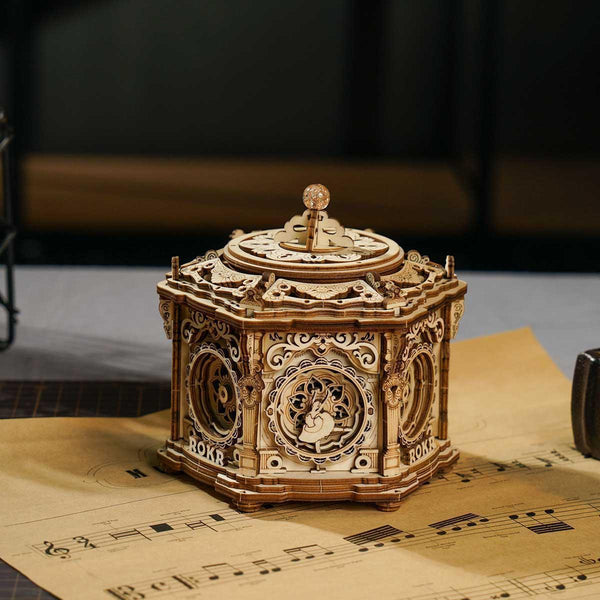
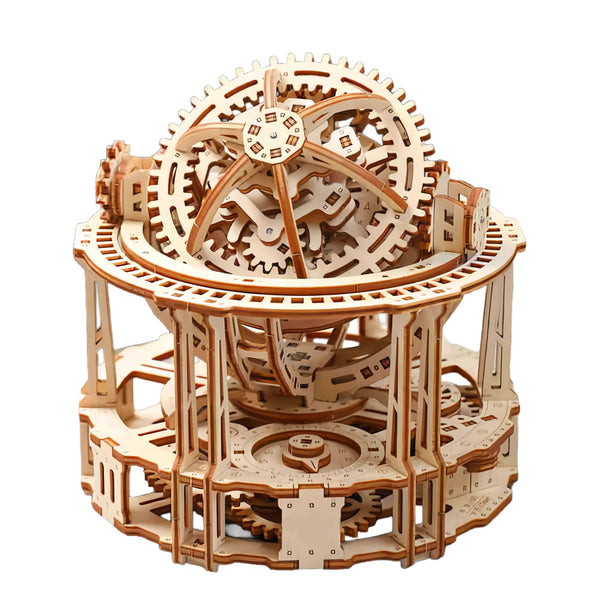
Wähle die Form.
Prüfe den Bausatz.
Unter einem 3D-Metallmodellbausatz können sich sehr unterschiedliche Projekte verbergen. Entscheide zuerst, welches fertige Objekt du möchtest. Prüfe anschließend, was die konkrete Produktseite zu Material, Aufbau, Werkzeug, Bewegung, Stromversorgung, Optionen und enthaltenen Teilen angibt.
Geflügeltes Modell oder beweglicher Mech?
Diese Beispiele beschränken sich auf Produkte, die unsere aktuelle redaktionelle Freigabe für Empfehlungen bestanden haben. Die Hinweise beruhen ausschließlich auf den derzeitigen Titeln, Optionen, Galerien und Angebotsstatus dieser Produkte und stellen keine Zusagen für die gesamte Kategorie dar.

Bausatz für einen majestätischen mechanischen 3D-Metalladler
Das aktuelle Angebot bezeichnet dieses Produkt als mechanischen 3D-Metalladler-Bausatz und bietet drei Modelloptionen. Öffne vor der Bestellung die aktuelle Seite und vergleiche die gewählte Modellbezeichnung, die zugehörigen Bilder, den derzeitigen Preis, die Verfügbarkeit und alle ausdrücklich genannten Angaben zum Aufbau.
Dieses Modell ansehen →
DIY-XIA-A-Mecha-Modell aus Metall mit beweglichen Gelenken & Beleuchtung
Das aktuelle Angebot beschreibt einen Metall-Mech mit beweglichen Gelenken und Beleuchtung. Prüfe auf der konkreten Seite, wie eine genannte Funktion arbeitet, woher die Energie kommt, welche Bauteile oder Werkzeuge aufgeführt sind und wie Preis sowie Verfügbarkeit aktuell aussehen.
Dieses Modell ansehen →1. Beginne mit der Form des fertigen Modells
Eine allgemeine Suche nach einem 3D-Metallmodellbausatz kann zu Tieren, Maschinen, Fahrzeugen, Architektur, Robotern oder abstrakten mechanischen Schaustücken führen. Entscheide zuerst, welche Art fertiges Objekt du zusammenbauen und behalten möchtest, bevor du kleinere Details vergleichst.
In der Kollektion mechanischer Modellbausätze kannst du aktuelle Titel und Galerien ansehen. Der Titel ist ein nützlicher erster Filter; für die gewählte Option und die angegebenen Details bleibt jedoch die konkrete Produktseite maßgeblich.
2. Prüfe das angegebene Material, statt Vermutungen anzustellen
Das Wort Metall sagt nichts über eine einheitliche Konstruktionsweise aus. Ein Angebot kann Platten, einzelne Bauteile, Befestigungsmittel, einen Rahmen, dekorative Oberflächen oder eine Materialkombination beschreiben. Geh nicht davon aus, dass jeder Bausatz dasselbe Metall, dieselbe Stärke, Oberfläche, Verbindung oder Vorbereitung verwendet.
Achte auf eine direkte Materialangabe auf der konkreten Seite. Wenn Material oder Oberfläche für dich wichtig sind und nicht aufgeführt werden, bitte uns vor der Bestellung um Prüfung.
3. Prüfe Aufbauweise und benötigtes Zubehör
Achte vor der Auswahl auf ausdrückliche Angaben dazu, wie die Bauteile verbunden werden und ob Werkzeuge, Klebstoff, Batterien oder anderes Zubehör benötigt werden. Leite benötigtes Werkzeug nicht aus einem inszenierten Bild, einem redaktionellen Titelbild oder einem ähnlich aussehenden anderen Produkt ab.
- Welche Bauteile und Anleitungen sind ausdrücklich als enthalten aufgeführt?
- Werden Werkzeuge oder Verbrauchsmaterialien als erforderlich genannt?
- Verändert die gewählte Option das Modell oder den Lieferumfang?
- Ist nach dem Aufbau noch eine Einrichtung erforderlich?
Was im konkreten Angebot nicht angegeben ist, bleibt unbestätigt.
4. Unterscheide sichtbares Design von bestätigter Bewegung, Beleuchtung oder Stromversorgung
Offene Zahnräder, Gelenke, Leuchten, Klingen, Flügel oder andere sichtbare Elemente können Teil der Gestaltung sein, ohne zu belegen, wie eine Funktion arbeitet. Wenn Bewegung oder Beleuchtung wichtig sind, sollte das Angebot erklären, welche Elemente sich bewegen oder leuchten, wie der Start erfolgt und welche Energiequelle nötig ist.
Übertrage keinen Mechanismus von einem ähnlichen Bausatz und betrachte ein Galeriebild nicht als Funktionsnachweis. Fehlen diese Angaben, gilt die Funktion bis zur Bestätigung als ungesichert.
5. Betrachte die Teilezahl nicht als vollständige Schwierigkeitsangabe
Die Teilezahl beschreibt eine Menge, belegt allein aber weder Aufbauzeit noch Schwierigkeitsgrad. Verbindungsart, Ausrichtung, kleine Bauteile, Anleitung, bewegliche Baugruppen und Erfahrung können den Ablauf beeinflussen.
Nutze Angaben wie Einsteiger, fortgeschritten, Alter, Sicherheit oder Aufbauzeit nur dann, wenn die konkrete aktuelle Produktseite dafür eine Grundlage bietet. Dieser Artikel richtet sich an Erwachsene mit Kaufinteresse; er legt keine Hersteller-Altersfreigabe für jedes Produkt fest.
6. Plane Platz für Aufbau und fertiges Modell ein
Prüfe nach Möglichkeit die bestätigten fertigen Abmessungen und vergleich die Maße mit dem vorgesehenen Regal oder Schreibtisch. Bedenke außerdem, ob genannte Gelenke, Türen, Leuchten, bewegliche Teile oder Bedienelemente zusätzlichen Freiraum über die Grundfläche hinaus benötigen.
Fehlen Abmessungen, bezeichne das Produkt nicht als kompakt und geh nicht davon aus, dass es auf eine bestimmte Fläche passt. Wähle ein Angebot mit den benötigten Angaben oder bitte um Bestätigung.
7. Gleiche die gewählte Option mit der aktuellen Galerie ab
Öffne die Produktseite und wähle die gewünschte Option, bevor du dich auf die Galerie verlässt. Vergleiche Bezeichnung, aktuelle Bilder, Preis und Verfügbarkeit; prüfe danach, ob die Position im Warenkorb der beabsichtigten Ausführung entspricht.
Hintergrundobjekte, Werkzeuge, Ständer, Beleuchtung und andere Requisiten gelten als Darstellung, sofern die konkrete Beschreibung diese Dinge nicht ausdrücklich als enthalten aufführt.
Du möchtest lieber ein Holzprojekt?
Dieser Ratgeber behandelt die Auswahl von Metallmodellen. Für Projekte aus Holz findest du unseren separaten Ratgeber zur Auswahl eines 3D-Holzpuzzles oder die Kollektion 3D-Holzpuzzles & Modellbausätze.
Die abschließende Prüfung in sieben Punkten
- Wähle die gewünschte Form des fertigen Modells.
- Prüfe das angegebene Material auf der konkreten Produktseite.
- Prüfe Aufbauweise, enthaltene Bauteile und benötigtes Zubehör.
- Bestätige, wie jede genannte Bewegung, Beleuchtung oder angetriebene Funktion arbeitet.
- Verwende nur belegte Hinweise zu Schwierigkeit, Alter und Sicherheit.
- Miss den vorgesehenen Aufbau- und Ausstellungsplatz aus, wenn Abmessungen angegeben sind.
- Prüfe gewählte Option, Galerie, Preis, Verfügbarkeit und Warenkorbposition erneut.
FAQ
Werden alle 3D-Metallmodellbausätze auf dieselbe Weise aufgebaut?
Eine allgemeingültige Aufbauweise ist nicht bestätigt. Prüfe beim konkreten Angebot die genannten Bauteile, Verbindungen, enthaltenen Artikel und benötigten Materialien.
Sind bei Metallmodellbausätzen immer Werkzeuge enthalten?
Eine kategorieweite Zusage zu enthaltenem Werkzeug gibt es nicht. Verlass dich nur auf Lieferumfang und Anforderungen der konkreten aktuellen Produktseite.
Bedeutet eine höhere Teilezahl immer einen schwierigeren Aufbau?
Nein. Die Teilezahl allein bestimmt weder Schwierigkeit noch Aufbauzeit. Nutze ausdrückliche Produkthinweise und berücksichtige Verbindungsart, Ausrichtung, Anleitung und bewegliche Bauteile.
Bewegen sich sichtbare Zahnräder oder Gelenke immer?
Nicht unbedingt. Das konkrete Angebot sollte angeben, ob sich ein sichtbares Element bewegt, wie es gestartet und womit es betrieben wird. Eine nicht genannte Funktion gilt als unbestätigt.
Was sollte ich prüfen, bevor ich einen Metallmodellbausatz in den Warenkorb lege?
Prüfe Modellform, angegebenes Material, Anforderungen an den Aufbau, enthaltene Teile, jede bestätigte Funktion, Abmessungen soweit verfügbar, gewählte Option, aktuelle Bilder, Preis und Verfügbarkeit.
Vergleiche die aktuellen mechanischen Modelle.
Sieh dir vor der Auswahl aktuelle Titel, Galerien, gewählte Optionen, Preis, Verfügbarkeit und ausdrücklich genannte Produktdetails an.
Mechanische Modellbausätze entdecken →Produktdetails und Verfügbarkeit können sich ändern. Prüfe vor der Bestellung die aktuelle Produktseite.