


Studio Console Creative Control Deck – Ulanzi D200X
The Ulanzi D200X creative control deck brings fourteen customizable LCD keys, three rotary controls, and a desktop hub together. Put compatible shortcuts and connections beside your screen.
Explore the details
Delivery & returns
See our shipping policy for delivery guidance and our return policy for return conditions.
Your repeat actions, where your hands are
Give your workflow a control surface.
Studio Console is the Ulanzi D200X creative controller and 8-in-1 desktop hub. You know the actions you repeat through every edit. Studio Console gives them a visible home, so your next cut, adjustment, or command can start with a deliberate press or turn.

See the shortcut before you press it.
The LCD keys can show the icons and labels you assign in Ulanzi Studio. Build a page around the commands you actually use, then use the page buttons to move between layouts. Fourteen keys give you room for a useful set without asking you to memorize a blank grid.

Keep the small adjustments tactile.
Three rotary controls sit beneath the keys for supported parameters and actions. That combination suits work that moves between discrete commands and gradual adjustments. Start with a focused profile for one application, then expand as the controls become part of your routine.

Give the desk fewer separate boxes.
The integrated hub brings USB connections, memory-card access, HDMI output, and USB-C power input into the same enclosure. HDMI supports up to 4K at 60Hz with a compatible host and cable. The angled form keeps the controls in view while the connections sit around the base.
In the box
Ulanzi D200X control deck with its integrated hub and supplied connection cable. D100H dial, laptop, monitor, editing applications, and external power adapter are separate.
A few useful answers
Which computers and apps does it support?
Use a supported Windows or macOS computer with Ulanzi Studio. Available commands depend on the application and supported integration. It is not a promise of compatibility with every editing app or Elgato plugin.
Does 100W input mean 100W reaches the laptop?
No. The hub accepts up to 100W USB-C PD input and provides up to 85W passthrough under the supported conditions. The power adapter, cable, and host all need to be compatible.
Will any USB-C port provide an HDMI picture?
No. Video output requires a compatible host connection and suitable cable. Check the computer’s USB-C display capability before planning a monitor setup.
Product reviews
-
★★★★★
-
★★★★★
-
★★★★★
-
★★★★★
-
★★★★★
I have tried it with several programs and it works very well.
-
★★★★★
They sent it but I didn't receive it. [marketplace] never resolved the issue and closed the case as closed. I received an empty box.
-
★★★★★
Good item and very nice customer service!
-
★★★★★
-
★★★★★
Good
-
★★★★★
-
★★★★★
-
★★★★★
The deck is good, it certainly has its learning curve and, above all, its configuration curve; it works well in DaVinci Resolve Studio 21. However, after the latest update of this software, it has caused a couple of problems. However, this is a software issue, not the Ulanzi Deck's.
No results found
Picked for your interests
More for your creative setup

Studio Dial Wireless Editing Controller – Ulanzi D100H
Compare a smaller dial controller.
Explore product
Scene Mist Portable Fog Machine – FILMOGX FM-02
Create practical fog effects for photos and video.
Explore product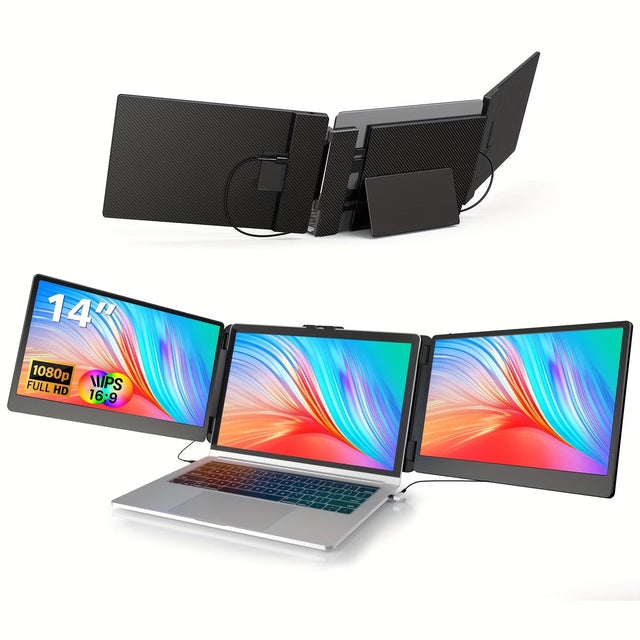
Laptop Monitor Extender FHD, Fits 13 to 17.3 Inch
Explore a larger visual workspace for your laptop.
Explore product